
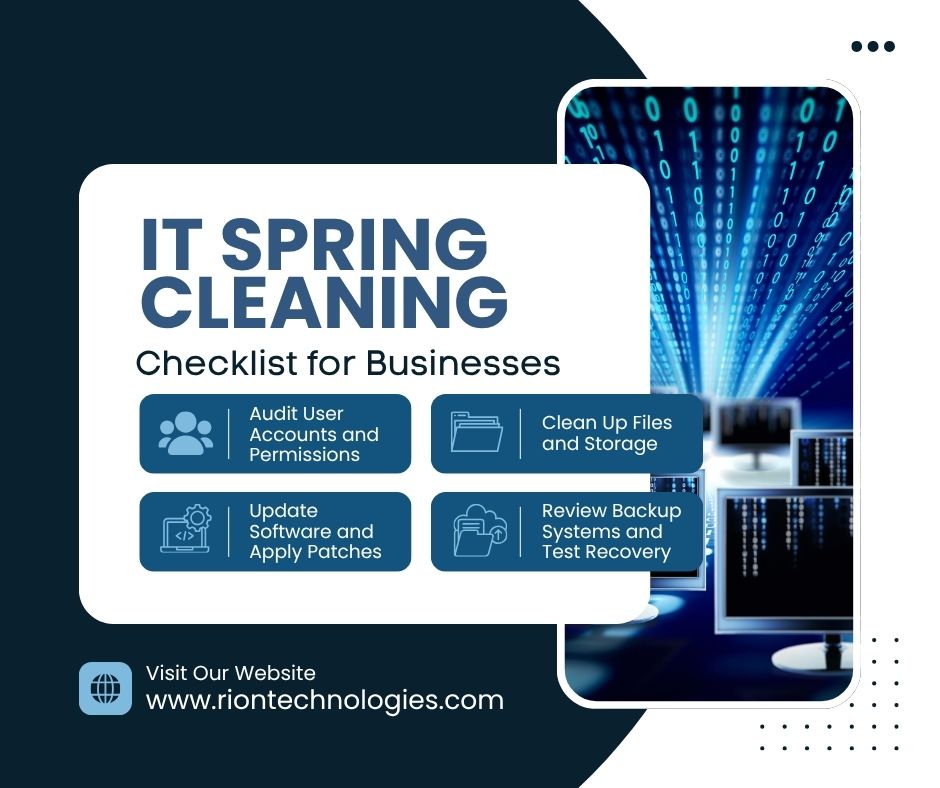
Spring is a natural time to refresh and reset, and your business technology should be no exception. Over time, systems become cluttered, security gaps appear, and inefficiencies build up. A thorough IT spring cleaning helps improve performance, strengthen security, and ensure your technology is ready to support business growth.
Start by reviewing all user accounts across your systems. Remove access for former employees, contractors, or inactive users. Verify that current employees only have access to what they need. Limiting unnecessary permissions reduces security risks and keeps systems organized.
Outdated software is one of the most common causes of security vulnerabilities. Ensure all operating systems, applications, and security tools are fully updated. Applying the latest patches protects your business from known threats and improves system stability.
Over time, unused files, duplicate data, and outdated documents accumulate and slow down systems. Remove unnecessary files, archive old data, and organize storage for better efficiency. This not only improves performance but also makes it easier to locate important information.
Backups are critical for protecting your data, but they must be tested regularly. Confirm that backups are running properly and that data can be restored quickly if needed. A reliable backup system ensures business continuity in case of data loss or cyber incidents.
Check the condition and performance of your hardware, including computers, servers, and networking equipment. Identify devices that are slowing down operations or nearing end-of-life. Planning upgrades early helps avoid unexpected failures and downtime.
Use this time to review your cybersecurity setup. Ensure firewalls, antivirus software, and monitoring tools are active and properly configured. Reinforce password policies and enable multi-factor authentication wherever possible.
Unused software can create security risks and consume valuable system resources. Identify and uninstall applications that are no longer needed. This reduces clutter and improves overall system performance.
Evaluate your network for slow speeds, connectivity issues, or bottlenecks. Ensure routers, switches, and connections are functioning efficiently. Optimizing your network improves productivity and reduces frustration for employees.
Accurate documentation is essential for managing your IT environment. Update records for systems, passwords, configurations, and processes. Clear documentation helps IT teams respond quickly to issues and maintain consistency.
Technology is only as secure as the people using it. Take time to remind employees about cybersecurity best practices, including recognizing phishing attempts, using strong passwords, and handling sensitive data properly.
An IT spring cleaning checklist helps businesses stay organized, secure, and efficient. By auditing systems, updating software, cleaning up data, and strengthening security, you can eliminate hidden risks and improve overall performance. Taking a proactive approach now prevents larger problems later and keeps your business running smoothly throughout the year.