
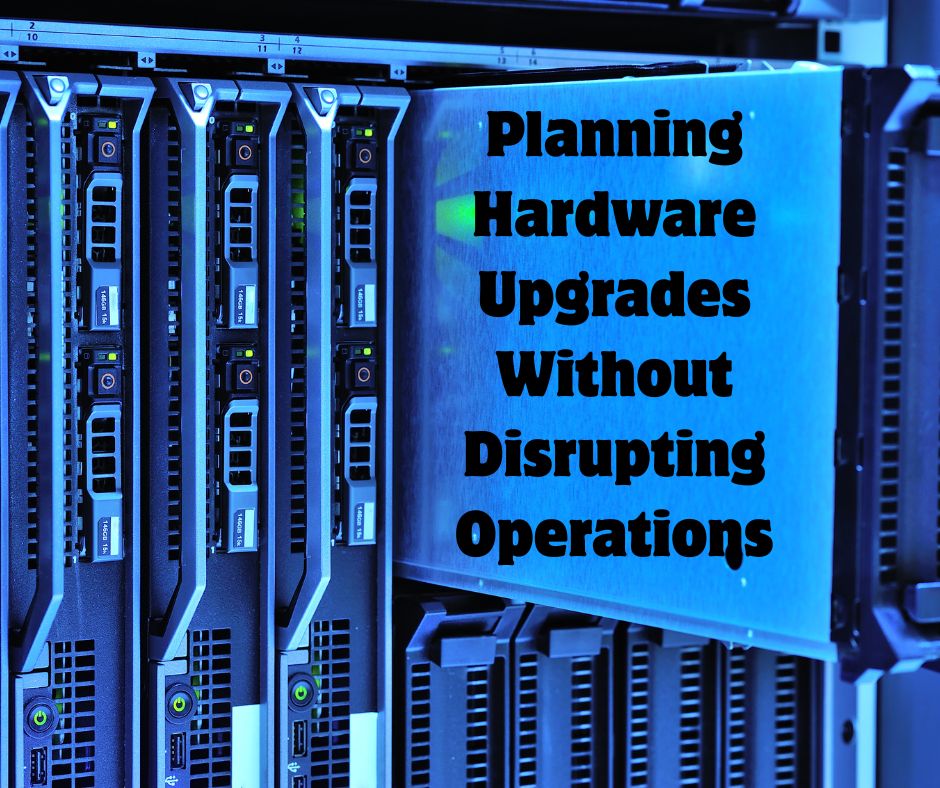
Upgrading hardware is essential for maintaining performance, security, and reliability, but poor planning can lead to downtime, lost productivity, and frustrated employees. Businesses need a structured approach to ensure upgrades are completed smoothly without interrupting daily operations.
Start by evaluating your existing hardware, including servers, workstations, and networking equipment. Identify aging devices, performance bottlenecks, and systems that no longer meet business demands. This assessment helps prioritize upgrades based on urgency and impact.
Timing plays a critical role in minimizing disruption. Plan hardware upgrades during off-hours, weekends, or periods of low business activity. This reduces the risk of interfering with employees and customers while allowing IT teams to work more efficiently.
Before rolling out new hardware across the organization, test it in a controlled environment. Pilot programs help identify compatibility issues, performance concerns, or configuration errors. Testing ensures a smoother transition when the upgrade is deployed company-wide.
Before any hardware upgrade, confirm that all critical data is securely backed up. This protects your business in case something goes wrong during installation. Testing recovery processes ensures data can be restored quickly if needed.
Clear communication helps reduce confusion and frustration. Notify employees about upcoming upgrades, expected downtime, and any temporary changes to systems. Providing clear timelines and instructions ensures everyone is prepared.
Hardware upgrades can be complex, especially in larger environments. Partnering with experienced IT professionals ensures proper installation, configuration, and integration with existing systems. This reduces the risk of errors and unexpected downtime.
New hardware must work seamlessly with existing software and systems. Check compatibility requirements and update any necessary drivers, operating systems, or applications ahead of time. Proper planning prevents delays during implementation.
Instead of upgrading everything at once, consider a phased approach. Upgrading departments or systems in stages allows you to monitor performance and address issues without affecting the entire organization. This approach reduces risk and improves overall stability.
Once upgrades are complete, monitor system performance closely. Track metrics such as speed, reliability, and user experience to ensure the new hardware is delivering expected improvements. Address any issues quickly to maintain productivity.
Planning hardware upgrades without disrupting operations requires careful preparation, clear communication, and strategic execution. By assessing needs, scheduling wisely, testing thoroughly, and implementing changes in phases, businesses can modernize their infrastructure while maintaining smooth day-to-day operations.